
Mystockpulse documentation
Mystockpulse helps retailers, wholesalers, and operations teams manage live inventory, point of sale, fulfillment, payments, and business reporting without drifting back into spreadsheets.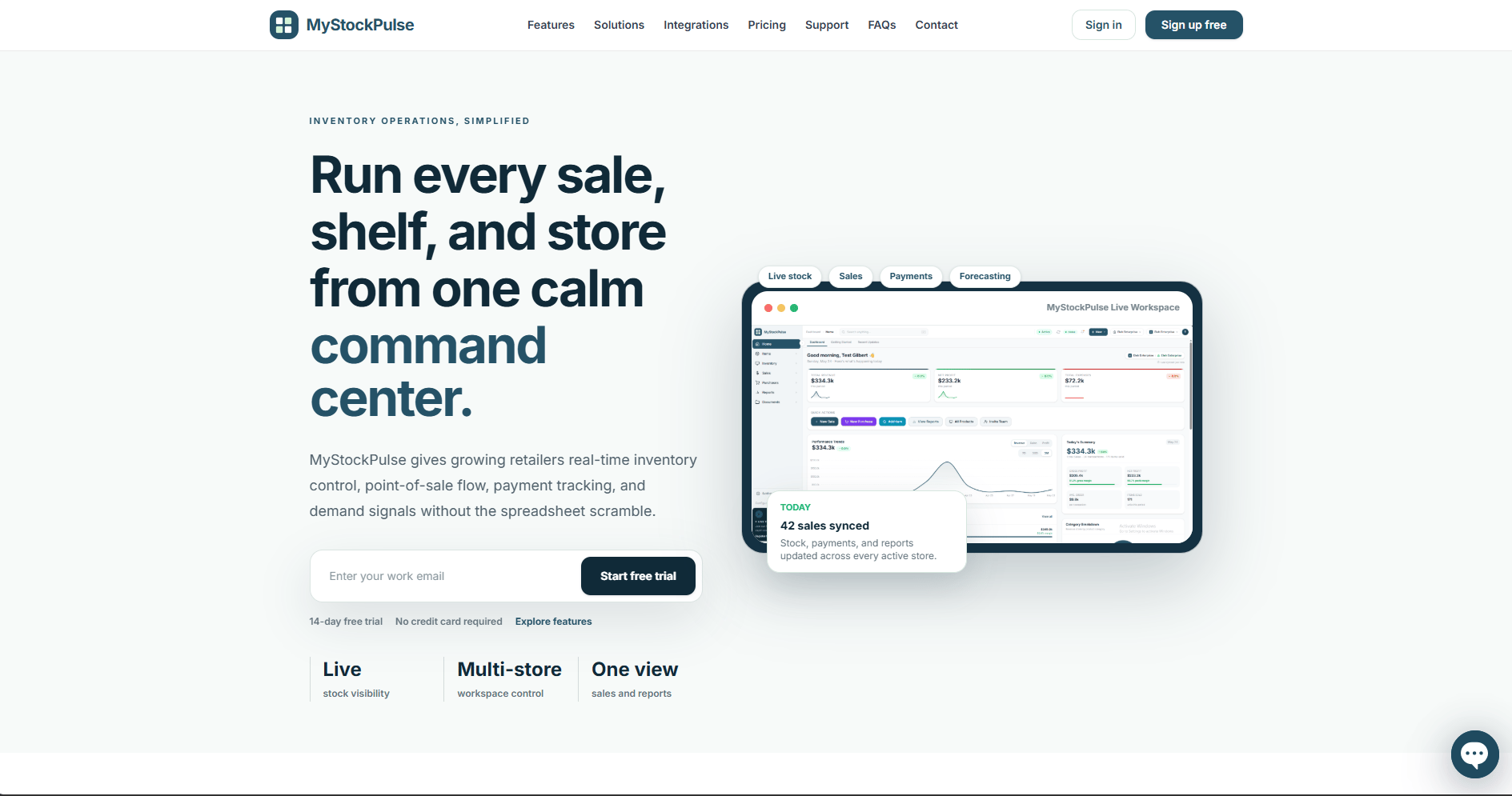
Explore the guide
Getting started
Set up the workspace, products, stock locations, and first sales flow.
Product import
Prepare CSV files, map product fields, preview errors, and import starting stock safely.
Sales and POS
Configure checkout, receipts, payments, offline sales, and voids.
Forecasting and reports
Review performance, forecast demand, plan reorders, and investigate stock changes.
Permissions and roles
Give owners, administrators, managers, and cashiers the right level of access.
Support tickets
Create clear support requests, attach files, follow replies, and understand notifications.
What Mystockpulse helps you manage
- Real-time inventory across stores, warehouses, and sales channels
- Sales and point-of-sale activity
- Customer payments and payment tracking
- Orders, shipping, package tracking, and customer updates
- Stock transfers between locations
- Barcode-based mobile workflows
- Low-stock alerts, reordering, and other automation rules
- Sales, inventory turnover, profitability, and demand insights
- Connections to commerce, marketplace, and accounting tools
Recommended first steps
New to Mystockpulse? Follow the quickstart to establish your workspace, products, stock locations, and first sales flow.Some capabilities may depend on your plan, connected services, or workspace configuration. Check the current options in your Mystockpulse workspace or contact Mystockpulse before planning a rollout.